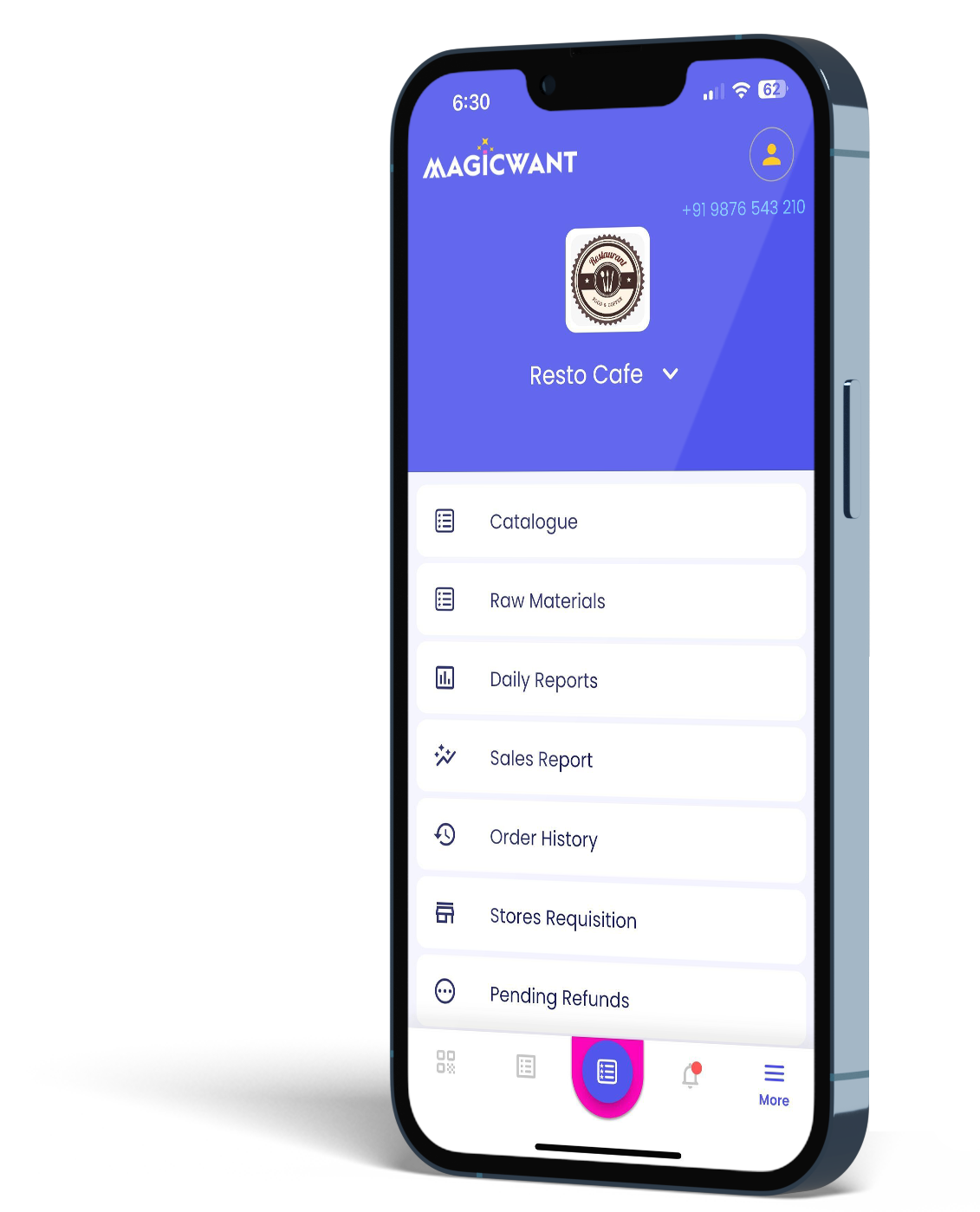
Your restaurant runs on WhatsApp. That’s not a problem — it’s a fact of life for most Bangalore F&B businesses. Orders come in. Questions get answered. Regular customers drop a message and expect a reply within minutes. What’s harder to defend is what happens after the order. The invoice, or specifically how to figure out Whatsapp invoicing for restaurants.
Right now, you’re probably doing one of these things: printing a receipt and handing it over, sending a screenshot of a bill you’ve typed up, or just telling the customer the amount and hoping they pay. None of these is wrong. But none of them is right, either.
Here’s how WhatsApp invoicing for restaurants works with Magicwant – and why it takes about ten minutes to set up properly.
What a WhatsApp invoice actually is
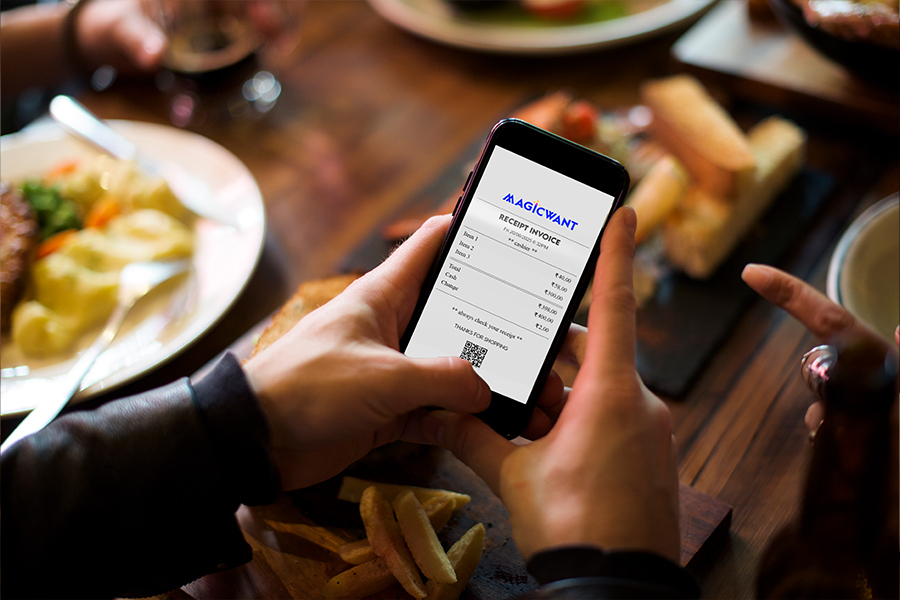
It’s a proper, formatted invoice that lands directly in your customer’s WhatsApp chat.
Your business name. Your logo. An invoice number. The items ordered, with quantities and prices. The total due. Your UPI link or payment details.
It looks like a professional business document, not a screenshot from a notes app. That matters more than you might think. Customers who receive a proper invoice feel like they’re dealing with a proper business. They come back.
Step 1: Set up your Magicwant account
If you’re not already on Magicwant, go to magicwant.com and sign up. The base plan starts at ₹450 per month. No hardware required — this all runs on your existing smartphone.
During setup, you’ll enter your business name, your logo, your address, and your GSTIN if you’re GST-registered. This information appears on every invoice automatically.
Takes about 5 minutes.
Step 2: Add your menu items
Add the items you sell — your food and beverage menu, your specials, your daily dishes. Set your prices. If you already have a menu document or image, you can photograph it and use it as a reference.
Magicwant’s item catalogue makes it simple to search and select items when you’re building an order. You won’t be typing full names manually each time.
Step 3: Connect WhatsApp
In your Magicwant settings, link your WhatsApp Business number. This is the number invoices get sent from — and the number your customers will recognise.
Magicwant uses the WhatsApp Business API to send invoices directly. Each invoice costs ₹0.45 to send. If you send 100 invoices a month, that’s ₹45. Less than a cup of chai.
Step 4: Take your first order
When a customer orders — whether in person, by phone, or on WhatsApp — open Magicwant, build the order from your catalogue, and hit send. The invoice lands on their WhatsApp in seconds.
The customer gets a clean, professional record of what they ordered and what they owe. You get a record in your system. No double entry. No paper. Perfect Whatsapp invoicing for restaurants, courtsey Magicwant.
What changes after you start
Three things happen quickly.
First, your collections improve. When customers have a clear invoice on their phone, payment becomes straightforward. No disputes. No “I thought it was ₹200, not ₹220.”
Second, your records become useful. Every invoice is stored. At the end of the month, you can see exactly what sold, how much you collected, and who your repeat customers are.
Third, you look more professional. Not in a stuffy way — in the way that makes customers trust you more.
That last one is harder to put a number on. But restaurants in Bangalore that have moved to proper invoicing consistently report that customers treat them differently. More seriously. More loyally.
Ten minutes of setup. ₹0.45 per invoice. Start your free trial at magicwant.com — running today.
10 minutes setup
No fine print. Solve your Invoicing headaches in ine click.