Last updated: November 2026
WhatsApp ordering lets your customers send their order to your restaurant through a WhatsApp message or link, instead of calling you or going through Swiggy or Zomato. To set it up, you need a WhatsApp Business number, a menu customers can tap through, one clear link and a fixed way to confirm each order. You can have a basic version running in an afternoon.
Quick answer
- WhatsApp ordering works best when customers order from a menu, not by typing out what they want.
- Start with the free WhatsApp Business app, a WhatsApp catalogue of your dishes and a short link or QR code.
- Fix your payment, delivery and confirmation rules before you share the link.
- Move to a proper WhatsApp ordering system once orders start getting lost in chats.
- Direct orders through your own link carry no aggregator commission, and your Swiggy and Zomato listings can keep running.
How does WhatsApp ordering work for a restaurant?
There are two common ways to run it.
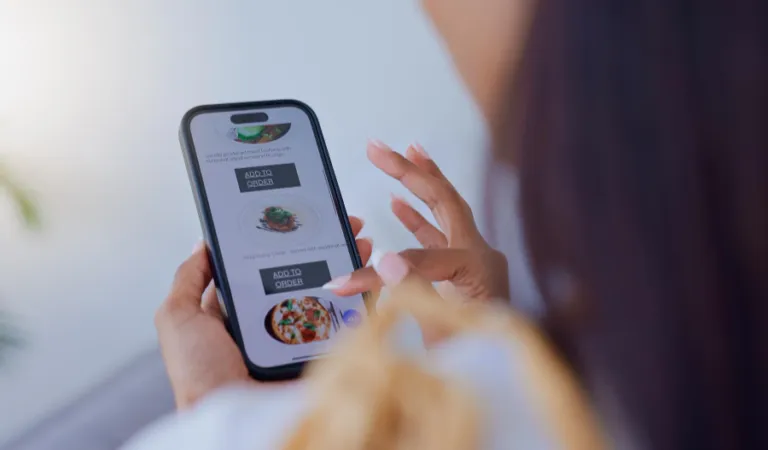
In the first, customers browse a WhatsApp catalogue, add dishes to a cart and send the cart to you as a message. WhatsApp added carts in December 2020 for exactly this, naming restaurants as one of the businesses where people order several items at once.
In the second, you share a link to your own online menu. The customer picks dishes, pays and the order lands in your system. WhatsApp is where the link travels and where updates go back to the customer.
The first is free and quick to start. The second grows with you, because orders don’t sit inside chat threads where they get buried.
What’s the difference between chat orders and a WhatsApp ordering system?
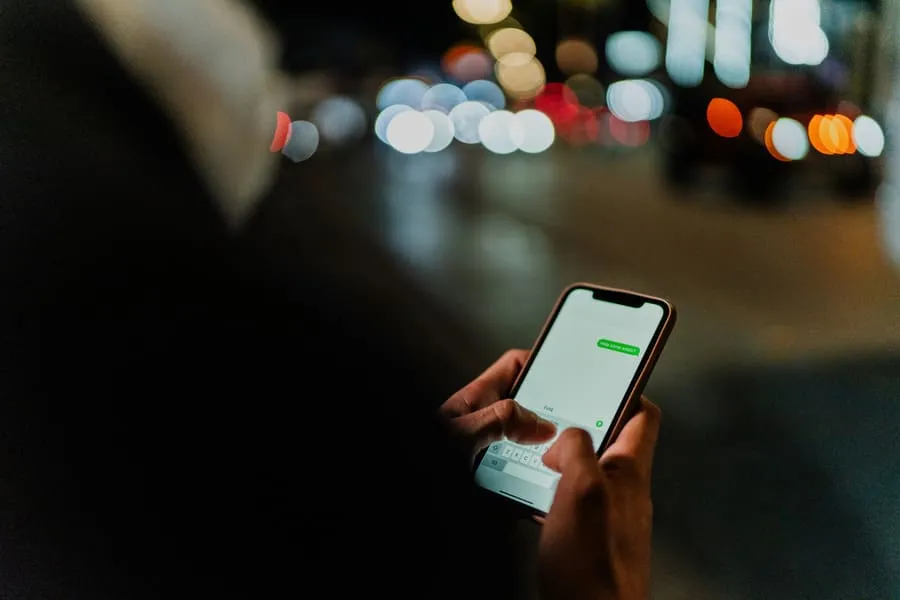
A chat order is just a message. Someone on your staff reads it, types it into the billing app and replies. A WhatsApp ordering system takes the order in a set format, with items, address, payment and time, so nobody retypes anything.
Picture a small biryani kitchen in Hyderabad on a Friday night. Twelve chats arrive in twenty minutes. One customer changes “2 chicken” to “1 chicken, 1 mutton” in a second message, and the person on the phone misses it. That’s the moment chat ordering stops working.
How do you set up WhatsApp ordering, step by step?
Step 1: Get a WhatsApp Business number
Use a number that belongs to the restaurant, not the owner’s personal phone. Install the WhatsApp Business app on it. Fill in your address, hours and a short description, so customers know they’ve reached the right place.
Step 2: Build a menu customers can tap
Add your dishes to the WhatsApp catalogue with a photo, price and one-line description. Name dishes the way customers say them: “Paneer butter masala”, not a code from your kitchen sheet. If your menu is long, link to a full online menu instead.
Step 3: Create one link and one QR code
WhatsApp lets businesses share a short link or QR code that opens a chat, with a prefilled message of up to 140 characters. A line like “Hi, I’d like to order” saves your customer a step.
Print the QR code on takeaway bags, bill folders and the counter. Put the link in your Instagram bio and your Google Business Profile.
Step 4: Decide how customers pay
UPI is usually the simplest choice in India. Say clearly whether you want payment before you start cooking or on delivery. Write the rule into your greeting message, so nobody argues later.
Step 5: Set your delivery area and cut-off time
Pick an area your riders can cover while the food is still hot, and a last-order time. Put both in your greeting message. If you don’t have riders yet, offer pickup only at first.
Step 6: Confirm every order the same way
Send one confirmation with the items, total, payment status and expected time. Save it as a quick reply so it reads the same every time. Then send one update when the food leaves. Customers worry less when they hear from you twice.
What does WhatsApp ordering cost?
The WhatsApp Business app itself is free. If you move to the WhatsApp Business Platform through a provider, Meta charges per message for template messages, sorted into marketing, utility and authentication.
As of November 2026, Meta’s pricing page says replies inside the 24-hour window after a customer messages you are free. So are utility templates, such as order updates, sent in that window. Rates differ by country and change only on set dates, so check the current India rate card before you budget.
The bigger saving is commission. Direct orders through your own WhatsApp link don’t pass through an aggregator, so no aggregator commission applies to them. Free menu apps can get you started too, but check what free ordering apps leave out before you commit.
When should you move from chats to a WhatsApp ordering system?
Watch for three signs:
- You retype chat orders into your billing app.
- Orders get missed or doubled at peak time.
- At closing time, you can’t say how many WhatsApp orders you took or what they were worth.
Any one of these means the chat has become the bottleneck. A proper system puts every order in one list, sends the bill and keeps your customer list in your hands. Our guide to sending bills on WhatsApp covers the invoicing side.
How do you get more customers to order on WhatsApp?
Start with the people who already eat your food. Ask every dine-in and takeaway customer to scan your QR code before they leave. Only message people who’ve said yes to hearing from you.
Once someone has ordered, a short note on a slow Tuesday brings them back. WhatsApp tools for restaurants make that easy to do without spamming anyone.
Where does Magicwant fit in?
Magicwant gives your restaurant its own ordering link, storefront and QR code, with orders landing in Magicwant’s restaurant POS on the phones you and your staff already use. There’s no commission on orders through your own channels, and your Swiggy and Zomato listings can keep running. WhatsApp invoices cost ₹0.50 each. The plan is ₹450 a month per shop, GST included, with no setup fee and no annual contract.
FAQ
Is WhatsApp ordering free for restaurants?
The WhatsApp Business app is free. On the WhatsApp Business Platform, Meta charges per template message, but replies within 24 hours of a customer’s message are free.
Do I need a separate number for WhatsApp orders?
It’s wise. A restaurant number keeps orders out of your personal chats and lets staff take over when you’re busy.
Can customers pay through WhatsApp?
You can share a UPI ID or payment link in the chat, or take payment on your own ordering page. Say upfront whether you want payment before you cook.
Can I run WhatsApp ordering alongside Swiggy and Zomato?
Yes. You can keep aggregator listings for new customers and use WhatsApp for regulars who’d rather order direct.
How many orders can I handle by chat alone?
There’s no fixed number. When you start retyping orders or missing them at peak time, move to a system that takes orders in a set format.
Want your own WhatsApp ordering link running this week? Start your free trial. The first month is free, and nothing is charged on day one.